Use 25Live to check classroom usage and availability.
Includes classes and department events scheduled in the room.
| Instructions | ||
|---|---|---|
1. | Login to MyCalStateLA Portal | |
2. | Click on 25Live (under Academics) | 
|
3. | Click on Go to Search (Top Right) | 
|
4. | Switch Quick Search to Advanced | 
|
5. | Click on Add Criterion | 
|
6. | Scroll down to Assigned Locations > Specific Locations | 
|
7. | Click on Select Locations | 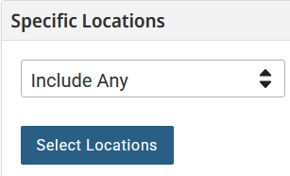
|
8. | In Locations text box, enter the 2 letter Bldg Abbreviation, space, and Room. The space below will populate with matching rooms. 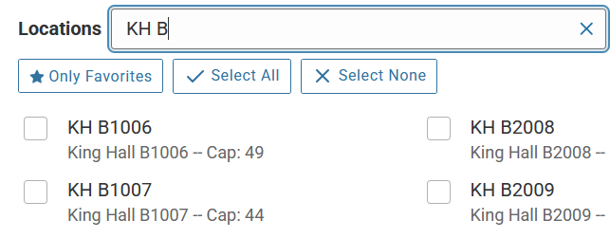
| |
9. | Check mark on the box of the room(s) you want, then click on Done. 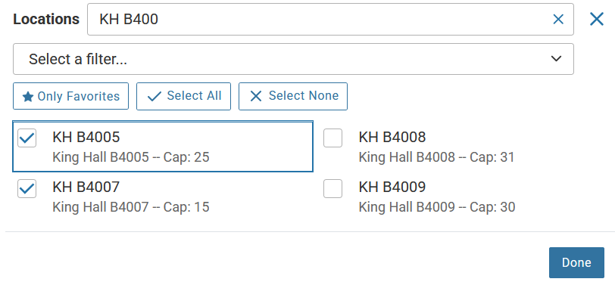
| |
10. | Click on Search to see a list of events for the room(s) 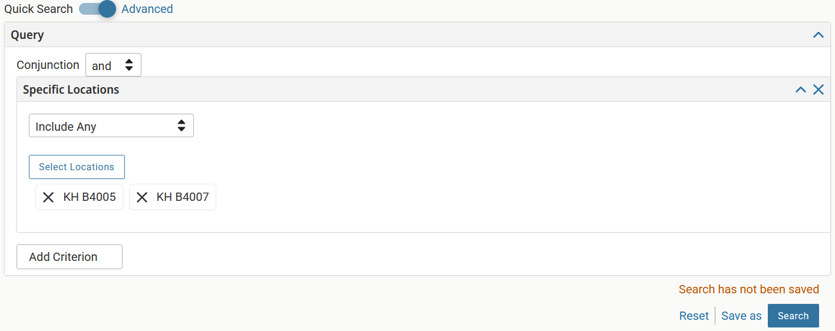
| |
11. | Change the view from List to Calendar to see the events scheduled for the week. Change the view to Availability to see the times available for the room | |
A. | Calendar View 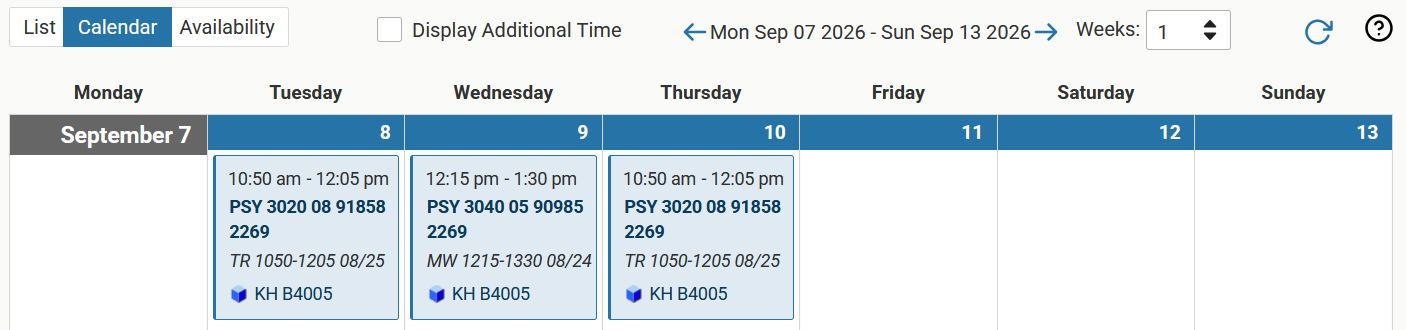
| |
B. | Availability View 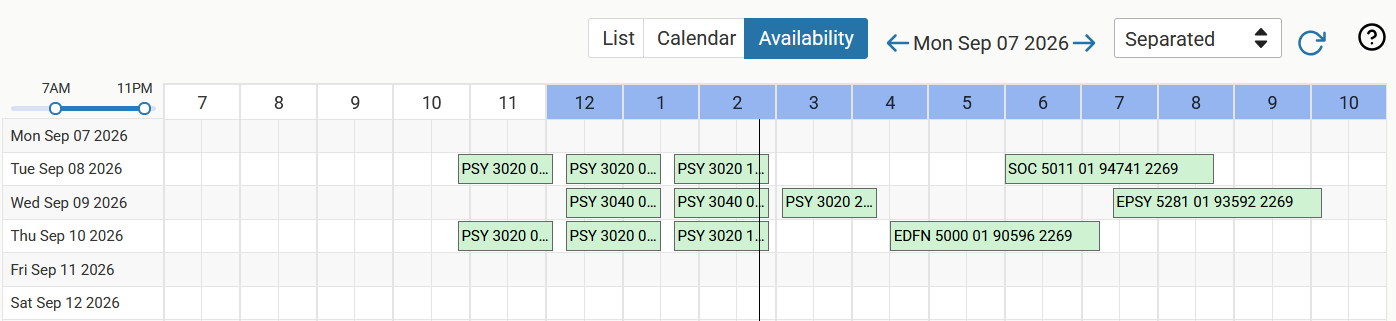
| |